Contents
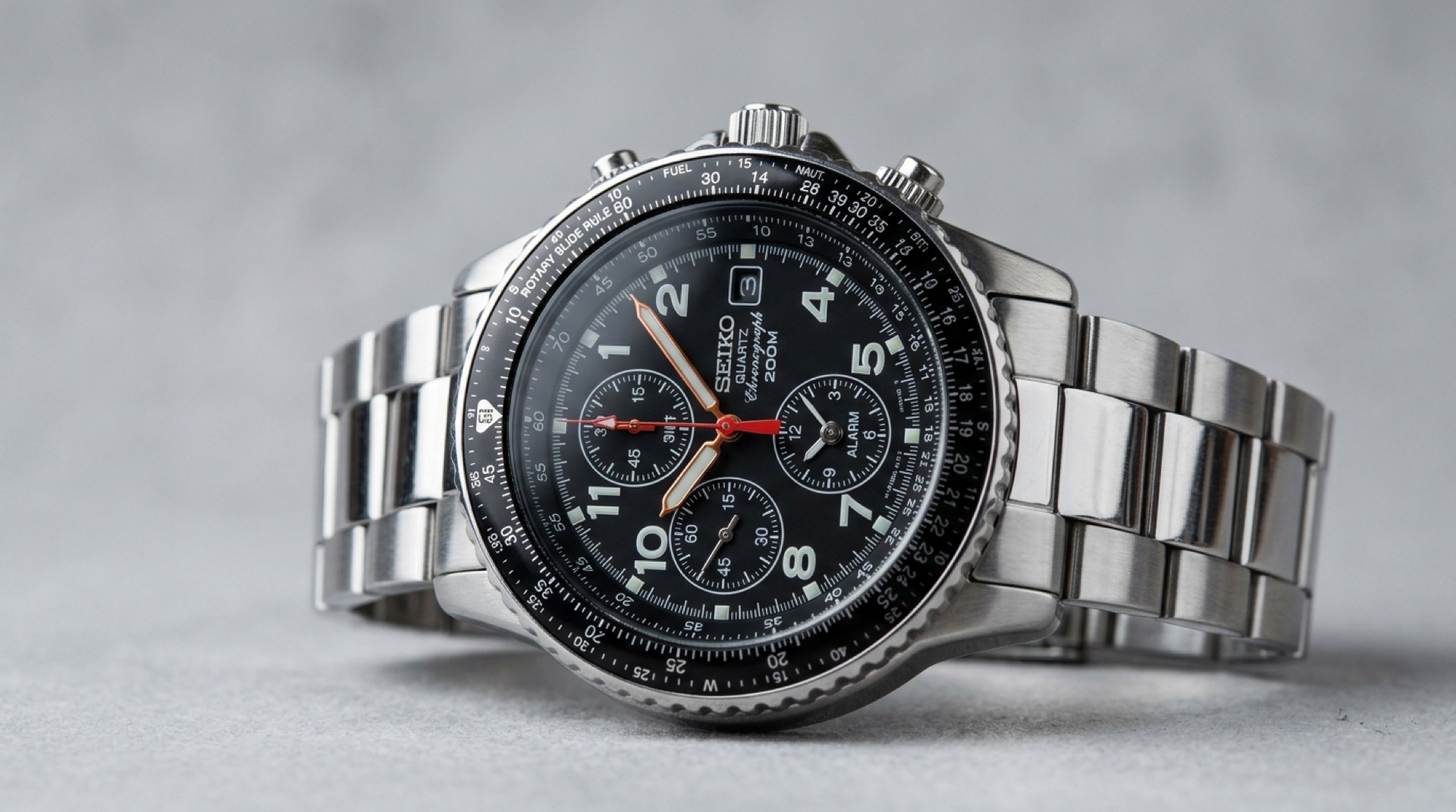
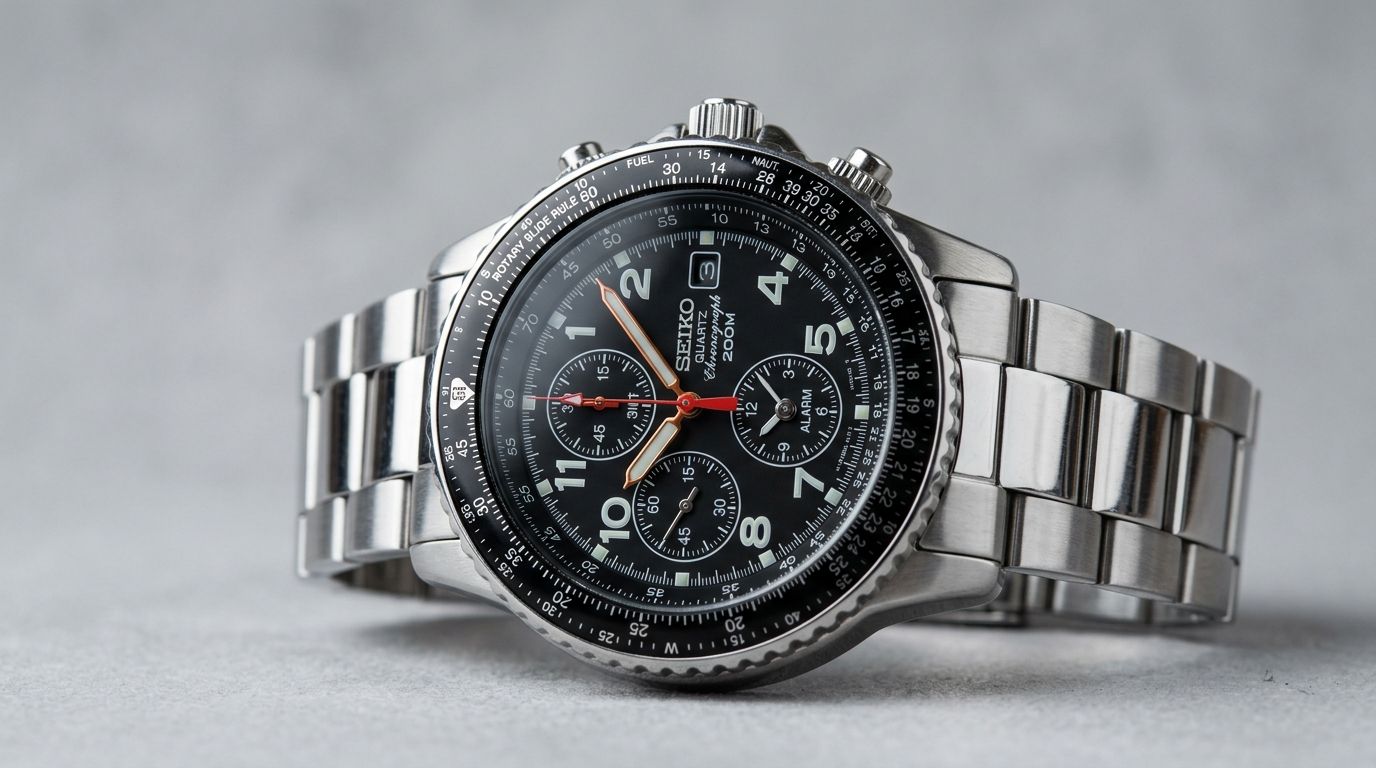
The Seiko Flightmaster (ref. 7T92-0CF0), also known by the references SND253 (black) and SND255 (blue), is a legendary pilot’s chronograph. Driven by the high-precision Seiko 7T92 quartz calibre and fitted with a rotating slide-rule bezel, it combines a technical look with genuine aviation navigation functions. This complete guide takes you step by step through using, setting and calibrating your Flightmaster.
1. Setting the time and date
Setting is done with the main crown (at 3 o’clock), which has two click positions:
- Setting the date (first click): pull the crown out to the first click. Turn it clockwise to scroll through the dates in the window at 3 o’clock. Once the date is set, push the crown firmly back in.
- Setting the time (second click): pull the crown out to the second click when the small seconds hand (in the sub-dial at 9 o’clock) is at 12 (the watch stops). Turn the crown to set the hours and minutes, then push it back in against a time signal.
⚠️ IMPORTANT SAFETY RULE: never quick-set the date when the watch shows a time between 9 p.m. and 1 a.m. The automatic date-change mechanism is already engaged during those hours, and Seiko warns that the date may then fail to change over properly.
2. Using the 1/20th-of-a-second chronograph
The 7T92 calibre measures elapsed time with surgical precision, thanks to its three chronograph hands: the large central chronograph seconds hand, the hand in the sub-dial at 12 o’clock (1/20th of a second) and the two coaxial hands in the sub-dial at 6 o’clock (chronograph hours and minutes).
- Start and stop: press pusher A (upper right) to start timing. Press A again to stop.
- Reset: once the chronograph is stopped, press pusher B (lower right) to return all hands to zero.
- Split time: while the chronograph is running, press pusher B. The display freezes so you can read the intermediate time, while the chronograph keeps running in the background. Press B again and the hands catch up with the elapsed time.
3. Calibrating and aligning the chronograph hands
If, after a reset or a battery change, the chronograph hands do not return exactly to zero (12 o’clock), you need to realign them by hand:
- Pull the crown out to the second click (the watch stops, and the chronograph hands reset automatically).
- Pusher A selects, pusher B moves. Hold pusher A down for two seconds: the hand you are about to adjust identifies itself by turning a full circle. Holding A again for two seconds moves on to the next hand, in this order: central chronograph seconds hand → 1/20th-of-a-second hand (counter at 12 o’clock) → chronograph hour and minute hands (counter at 6 o’clock).
- With a hand selected, press pusher B repeatedly to walk it round to zero — hold B down to move it quickly.
- Once every hand is exactly on twelve, push the crown back to its normal position.
4. Using the slide rule
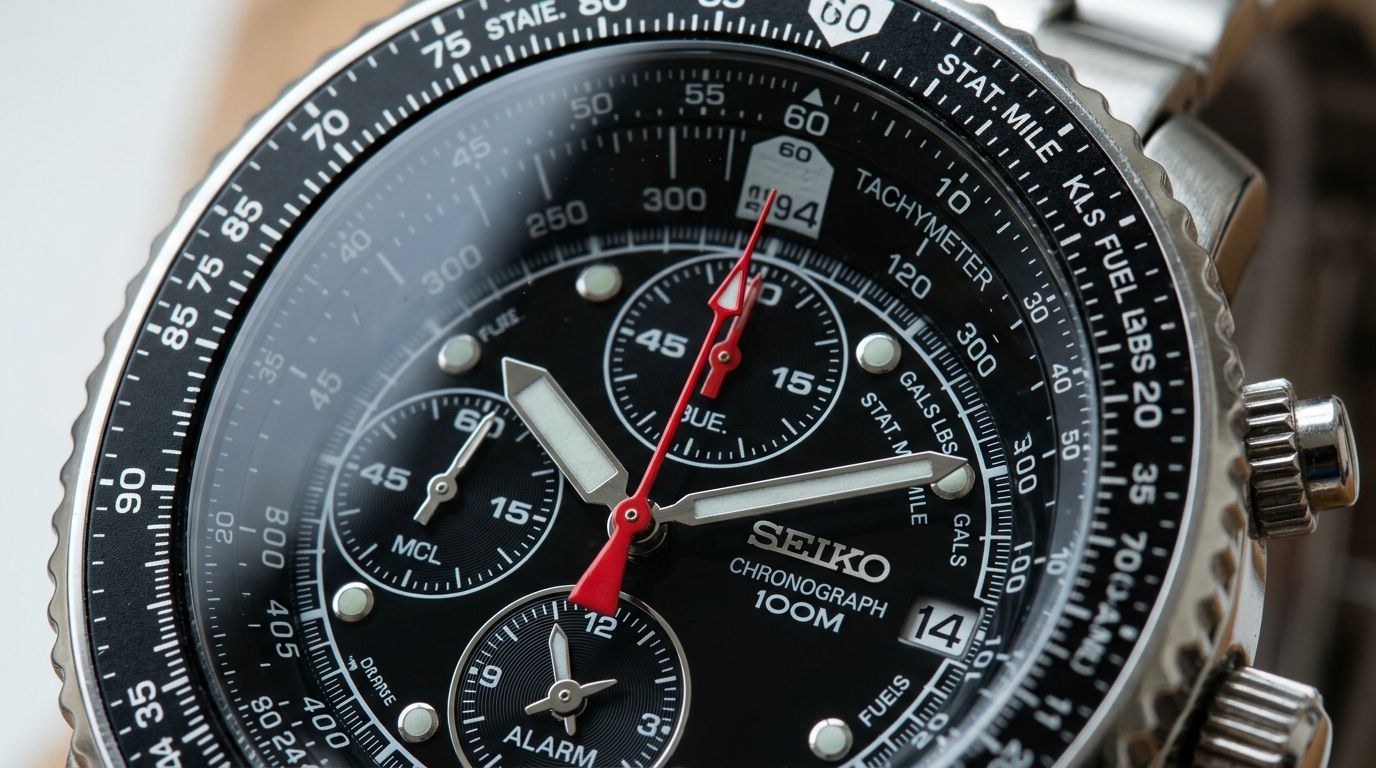
The bidirectional slide rule on the outer bezel is an analogue calculator. It works by matching the scales on the rotating outer bezel against those on the fixed inner ring:
- Working out speed: turn the bezel so that the distance travelled (outer, rotating scale) sits opposite the elapsed time (fixed inner scale). Read the average speed on the outer scale, opposite the “60” index — the ▲ marker at 12 o’clock on the inner scale.
- Unit conversions: specific markers are printed on the dial for nautical miles (NAUT), statute miles (STAT) and kilometres (KM). Line up the value you want to convert with one of these markers to read its conversion instantly opposite the other indexes.
More about the movement: the heart of this watch is the 7T92 calibre, a concentrate of quartz engineering — jewel-free, yet remarkably sophisticated with its four independent stepping motors. To learn more about its architecture and detailed specifications, read our full article on the Seiko 7T92 calibre.
Receive our watchmaking stories
Calibre guides, new arrivals and stories from Japan — plus 10% off your first watch.