Contents
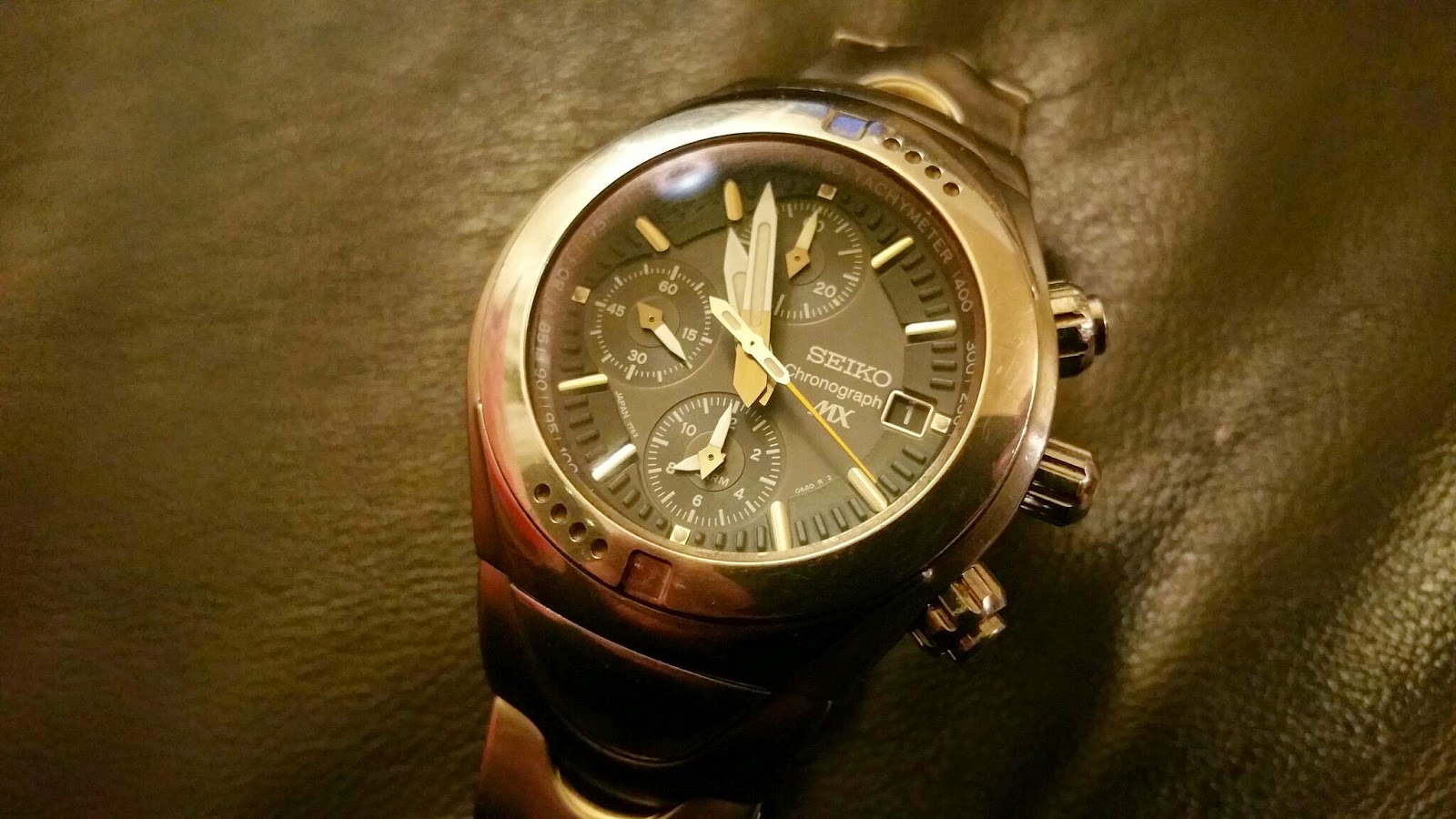
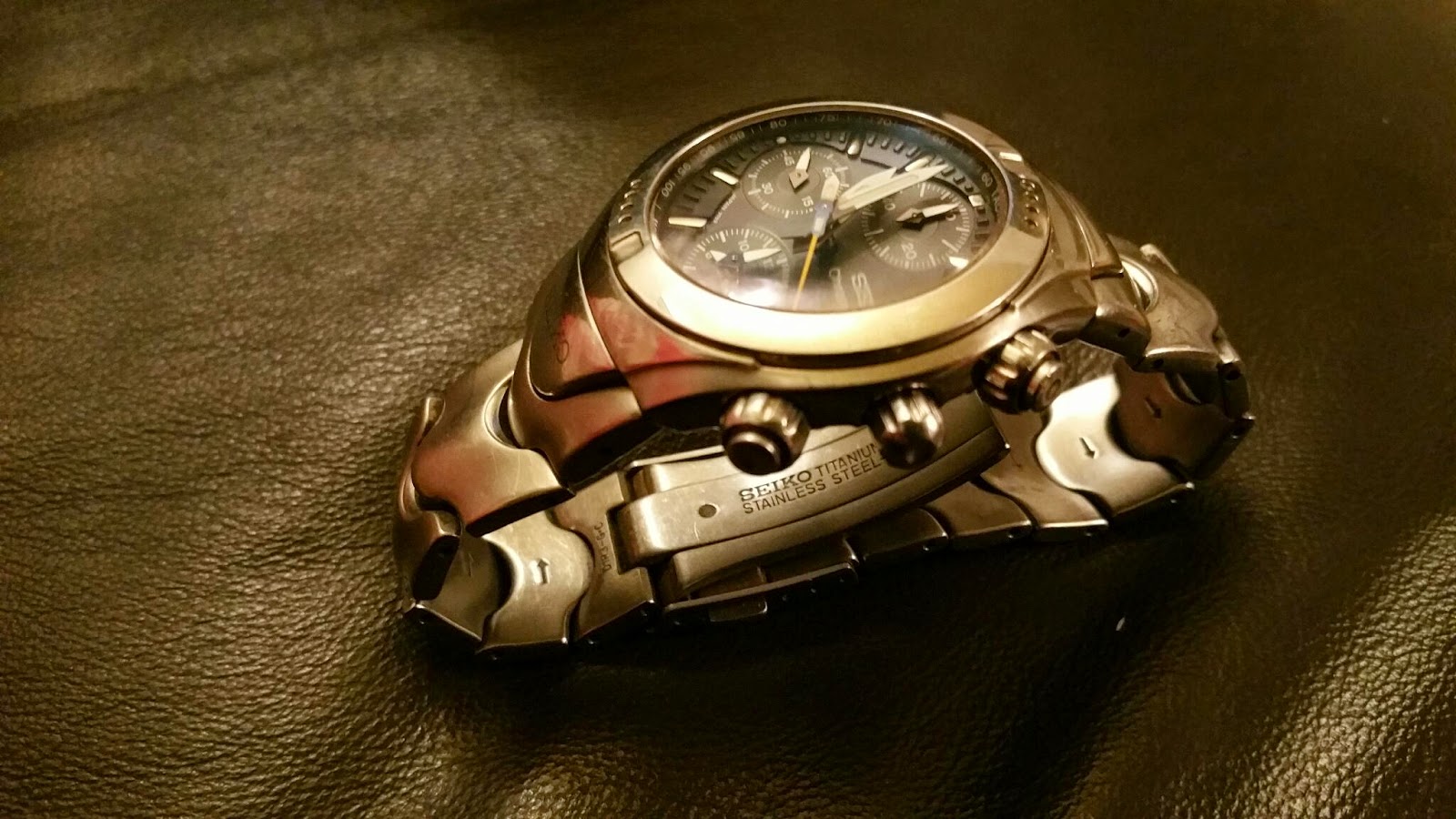
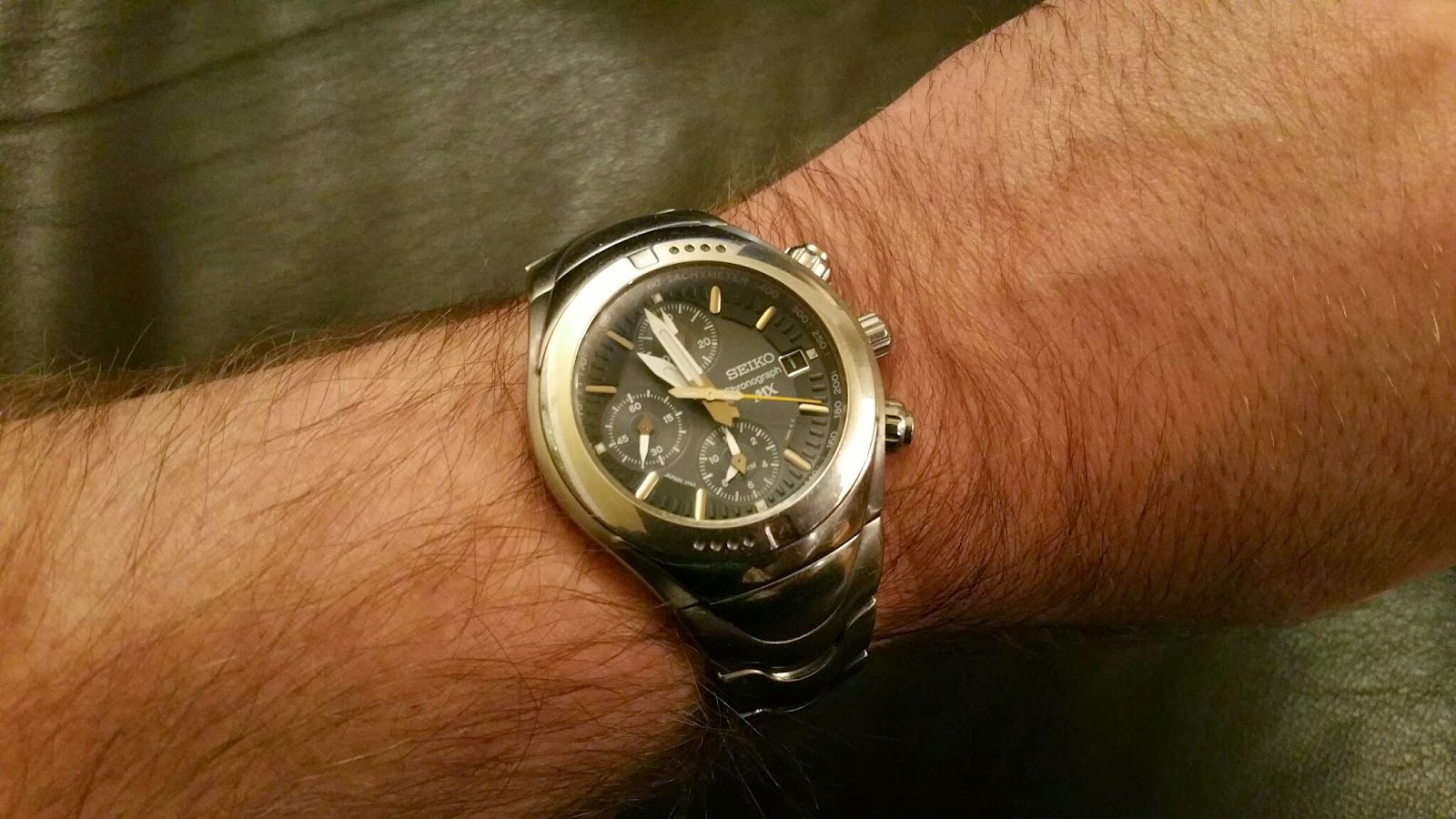
The Seiko MX (ref. 7T62-0A40) is a handsome neo-vintage sports chronograph made in the early 2000s. Its ultra-light titanium case and deep blue dial make it as good-looking as it is comfortable. Driven by the 7T62 quartz calibre, it combines an alarm function with a highly accurate chronograph. This practical guide explains in detail how to use and set every one of its functions.
Setting the time and synchronising the alarm
For the alarm to sound at the right moment, the hands on the alarm sub-dial (at 6 o’clock) must be perfectly synchronised with the watch’s main hands.
- Wait for the small seconds hand (counter at 9 o’clock) to reach 12, then pull the crown out to the second click (the watch stops).
- Turn the crown to set the current time.
- Press pusher B (lower right) repeatedly, or hold it down, to move the hands on the alarm sub-dial (at 6 o’clock) until they line up exactly with the main hands.
- Push the crown back in.
Note: if you prefer, you can set the sub-dial at 6 o’clock to a different time zone and use it as a dual time / GMT function when you travel — bearing in mind that the offset cannot exceed 12 hours, and that the alarm will sound once when the main time catches up with the setting.
Setting the date (mechanical safety warning)
- Pull the crown out to the first click.
- Turn the crown clockwise until the correct date appears.
- Push the crown back in.
Careful: with the crown at the first click, pressing button B moves the alarm hands. Leave it alone while you are setting the date.
⚠️ IMPORTANT WARNING: never change the date when the watch hands show a time between 9 p.m. and 1 a.m. The automatic date-change mechanism is engaged during that window, and Seiko warns that the date may then fail to change over properly.
Using and setting the alarm
The alarm sounds once at the time you have set, within a maximum window of 12 hours.
- Pull the crown out to the first click.
- Press pusher B to move the alarm hands (at 6 o’clock) to the wake-up time you want.
- Push the crown back in. The alarm is now active.
- The alarm rings for about 20 seconds; to silence it sooner, press button A or B.
- To switch the alarm off, pull the crown out to the first click and hold button B down until the alarm hands show the watch’s current time again.
Using the chronograph
The chronograph times to 1/5th of a second for up to 60 minutes.
- Start / stop: press pusher A (upper right).
- Reset: once stopped, press pusher B (lower right).
Realigning the chronograph hands
If, after a reset or a battery change, the orange seconds hand or the minute hands do not line up exactly on 12, follow this procedure:
- Pull the crown out to the second click.
- Hold pusher A down for 2 seconds. The minute counter at 12 o’clock will turn a full circle to show that it is selected. Use button B to bring the hand back to zero.
- Hold pusher A down again for 2 seconds. The 1/5th-of-a-second hand (the orange central hand) will turn a full circle. Use button B to align it precisely on 12.
- Hold pusher A down once more for 2 seconds. The alarm hands at 6 o’clock will advance to show that they are selected. Use button B to reset them.
- Push the crown back in. Your hands are now perfectly aligned.
More about the movement: to explore the inner workings, how the four stepping motors operate and the technical design of this watch’s calibre, read our detailed article on the Seiko 7T62 calibre.
Receive our watchmaking stories
Calibre guides, new arrivals and stories from Japan — plus 10% off your first watch.